
To apply a custom theme, you must host your Notion page with Super
Sign up for free here if you haven't already →
Quick theme code
Paste in your Super site settings > code > head
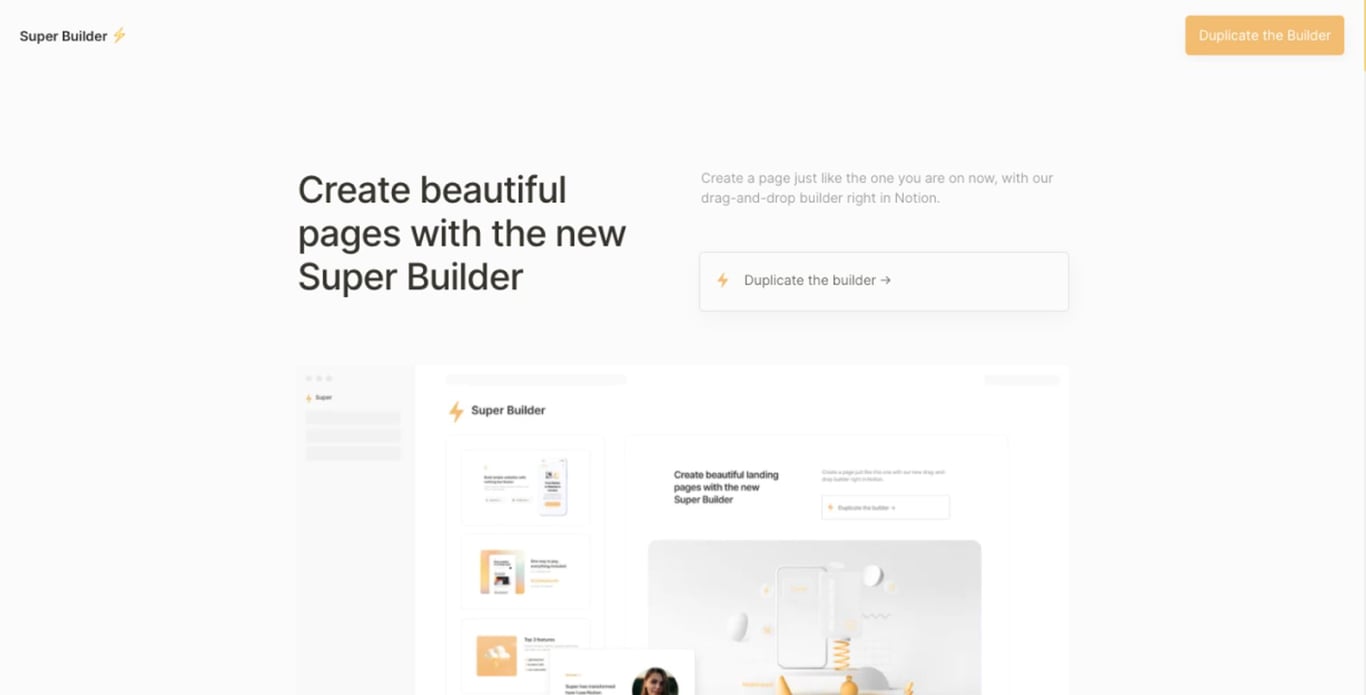
Minima theme:
<link rel="stylesheet" href="https://sites.super.so/builder/themes/minima/minima.min.css">Zap theme:
<link rel="stylesheet" href="https://sites.super.so/builder/themes/zap/zap.min.css">Space theme:
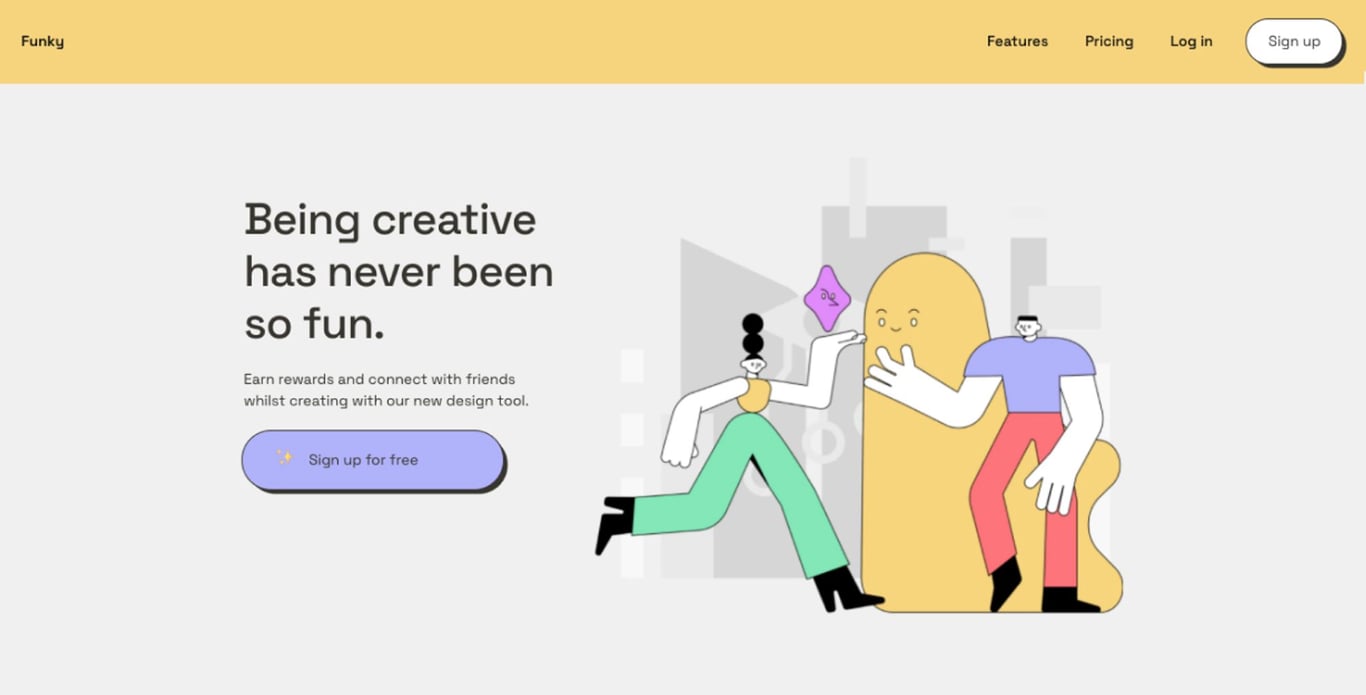
<link rel="stylesheet" href="https://sites.super.so/builder/themes/space/space.min.css">Funky theme:
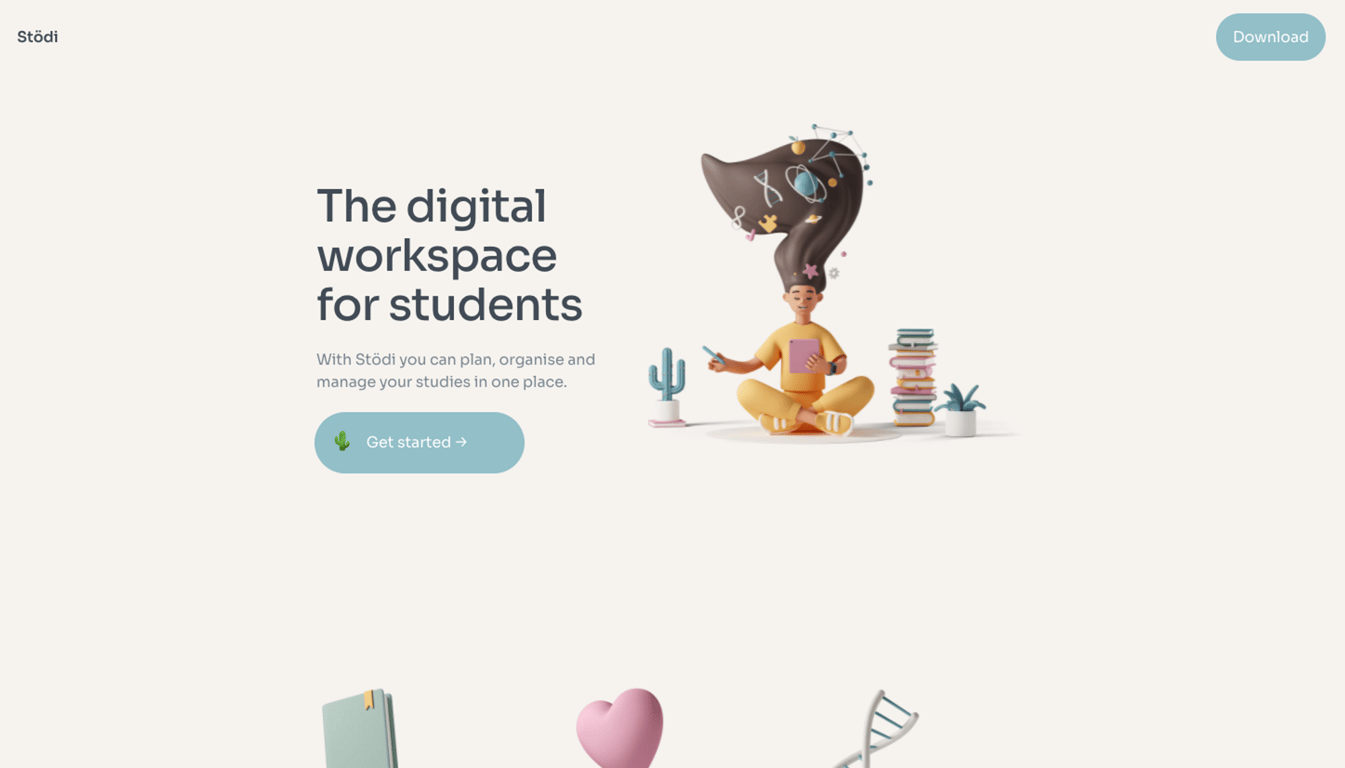
<link rel="stylesheet" href="https://sites.super.so/builder/themes/funky/funky.min.css">Pastel theme:
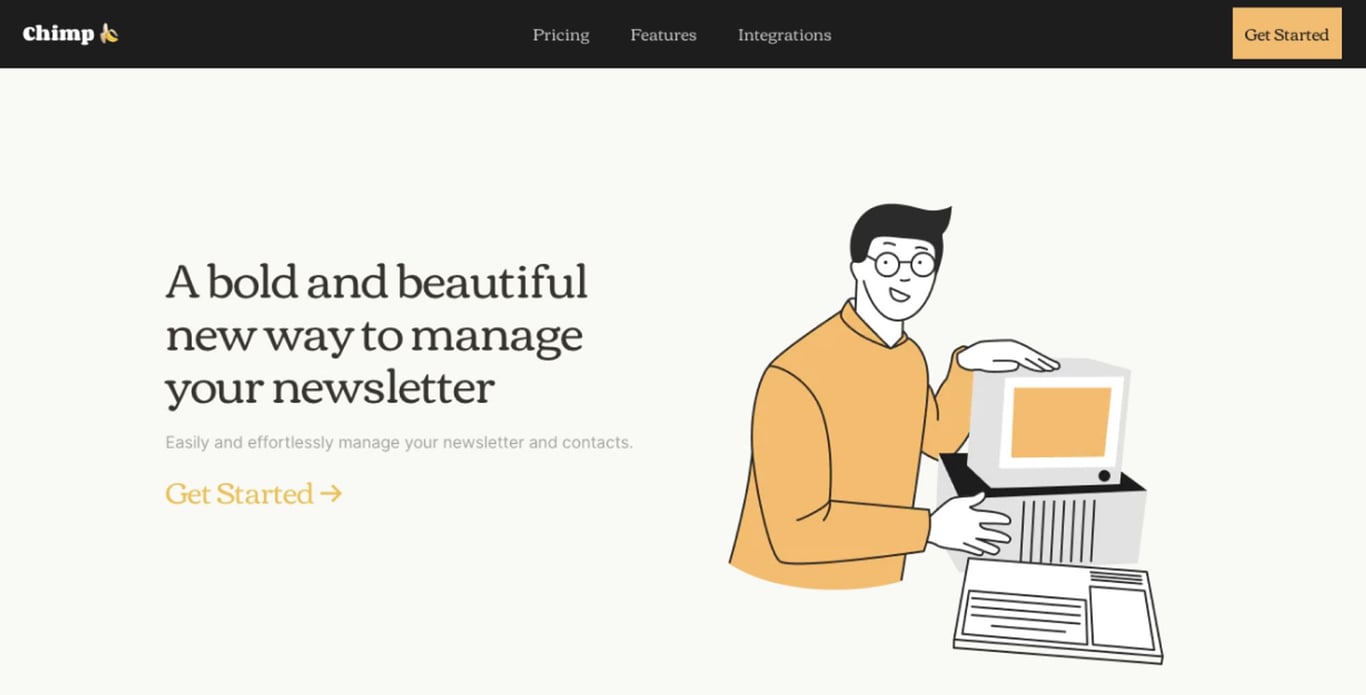
<link rel="stylesheet" href="https://sites.super.so/builder/themes/pastel/pastel.min.css">Chimp theme:
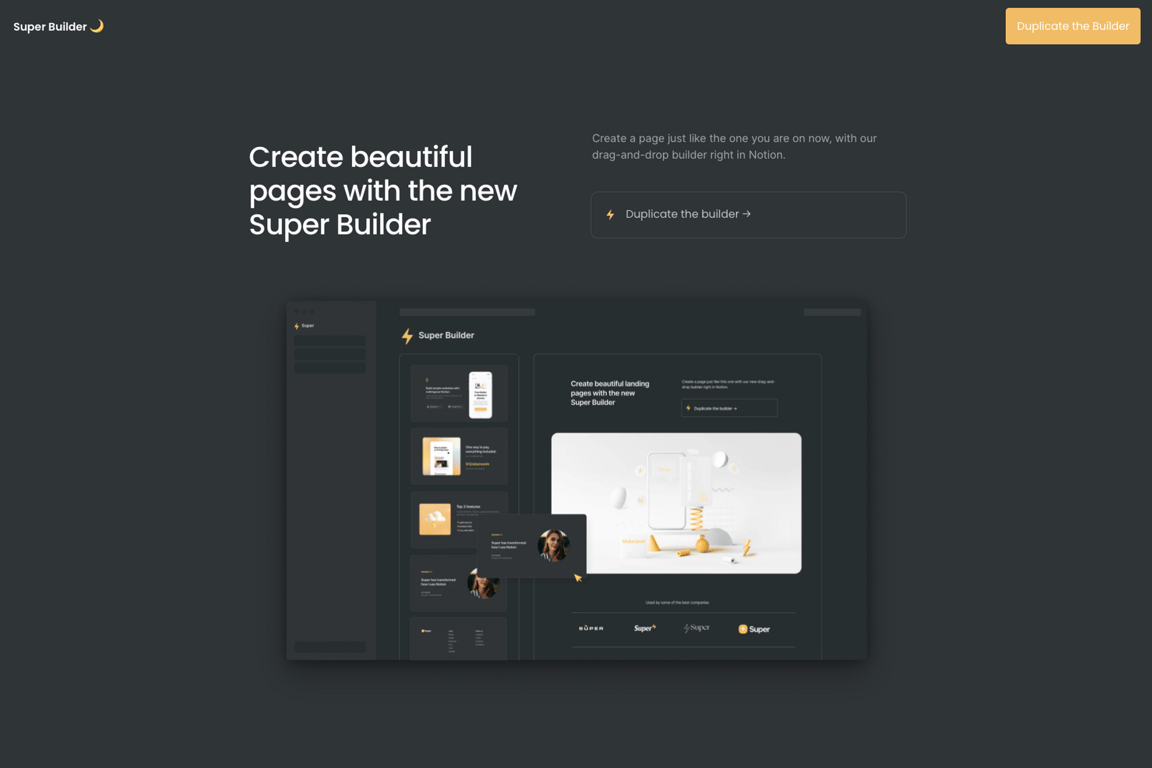
<link rel="stylesheet" href="https://sites.super.so/builder/themes/chimp/chimp.min.css">Night theme:
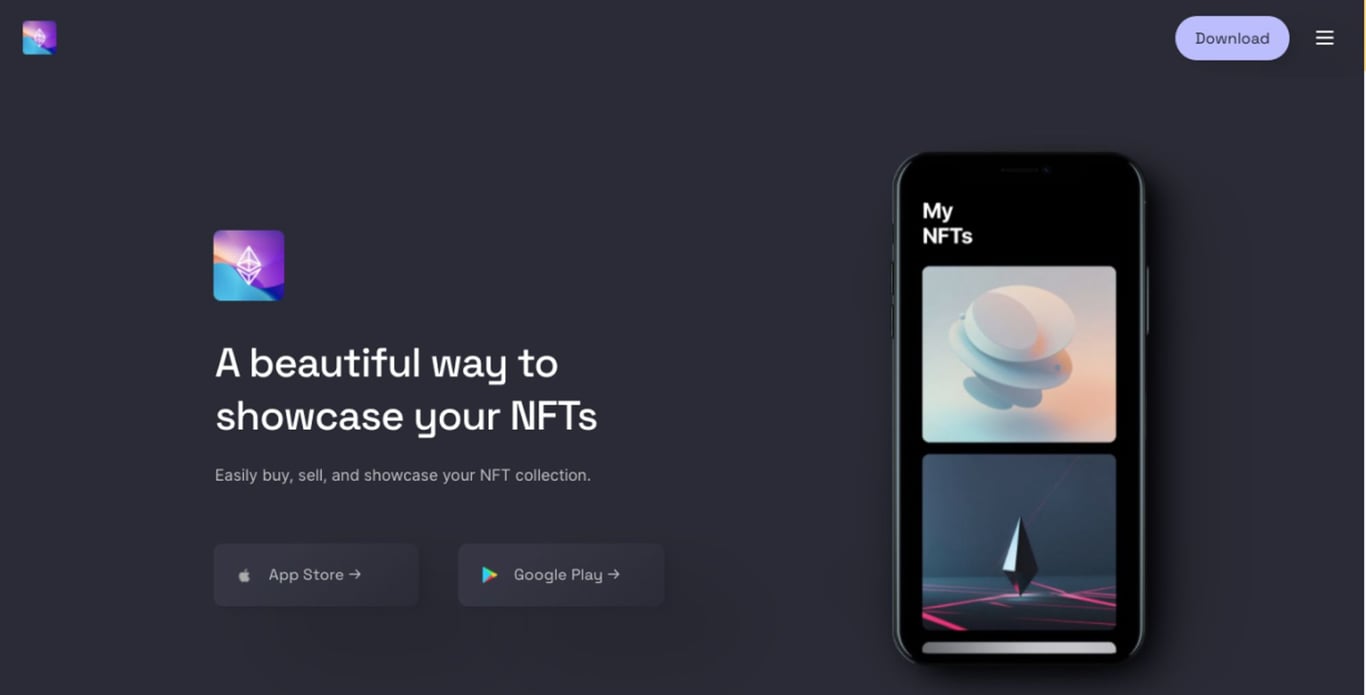
<link rel="stylesheet" href="https://sites.super.so/builder/themes/night/night.min.css">

 Made with Bullet